

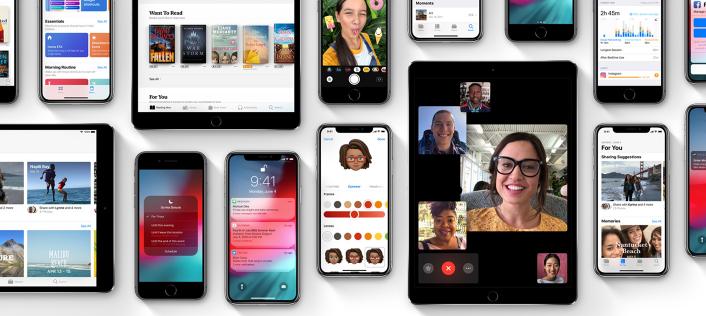

The new operating system, iOS 12, has a feature called Screen Time that allows you to see exactly how much time your kids spend on their phones and tablets, the times of day they’re most active, and which apps they use the most. You can also set app time limits, filter inappropriate content, and schedule “downtime” — basically, shut down the device — whenever you want. (By the way, you can do this for yourself if you need help managing your own device use.) Some of the settings will be familiar if you’ve used Apple’s Family Sharing and Restrictions. But iOS 12 adds a slew of new features. You can set up Screen Time to manage your kid’s device remotely (using Family Sharing) or you can simply use your kid’s phone to enable screen limits (which you can password-protect) and review your kid’s device use together. www.commonsensemedia.org